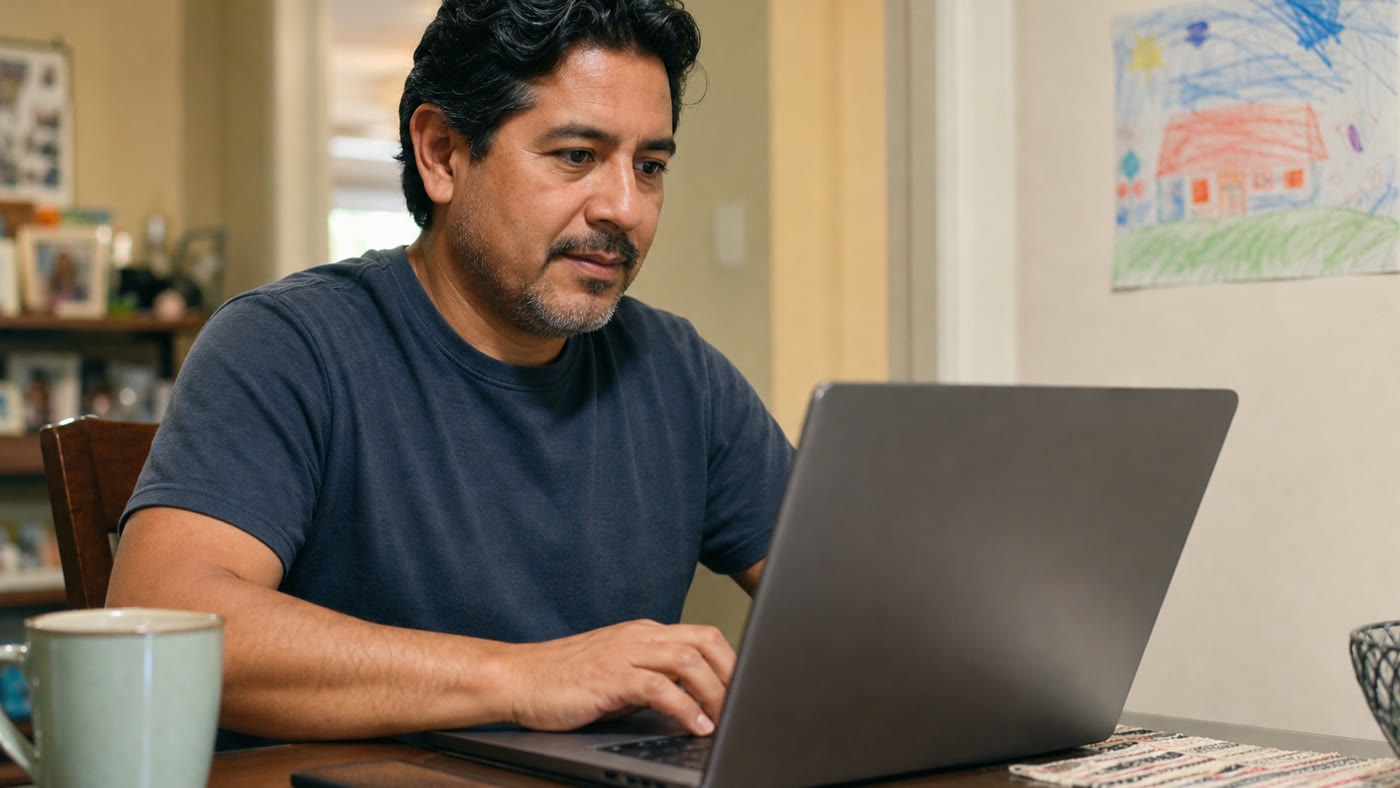
do you have what it takes to work from home
Do You Have What It Takes to Work From Home?
6 min read
You do not need to be a tech expert to work from home, but you do need a few everyday habits: reliability, clear communication, patience, basic computer comfort, and the ability to follow written instructions. If you have worked in restaurants, retail, hospitality, support, admin, or other service jobs, you may already have more of those skills than you think.
Quick answer: you need habits more than fancy credentials
Working from home is not about being perfect or having a special background. For beginner-friendly remote jobs, employers usually want proof that you can show up, read instructions, communicate clearly, and handle routine tasks without someone standing beside you.
That means service experience can count. Handling a dinner rush, calming down a frustrated customer, following a checklist, updating an order, or managing a changing schedule are all examples you can use when applying for remote support, admin, scheduling, or data roles.
Five signs you may be ready for remote work
Use this as a simple self-check before you start applying. You do not need every box to be perfect, but you should be honest about what you can improve.
- You can follow written steps without skipping details.
- You answer messages clearly and do not disappear during your shift.
- You can stay calm with customers, coworkers, or repetitive tasks.
- You are comfortable using email, forms, chat, calendars, and basic websites.
- You have a reliable internet connection and a place where you can focus for the kind of job you want.
Skills from restaurant, retail, and service work that transfer
If your past jobs were in-person, do not write them off. Many work-from-home jobs are still people-and-process jobs. The setting changes, but the core habits are familiar.
A server can point to multitasking, remembering details, solving customer issues, and staying calm during pressure. A retail worker can point to helping shoppers, handling returns, using systems, and explaining policies. A front desk or call center worker can point to scheduling, notes, phone etiquette, and follow-up.
Where beginners usually fit first
The best first remote role is usually specific, trainable, and easy to explain. Avoid starting with broad searches like “remote jobs” or “online work” because they pull in too many senior, technical, or suspicious listings.
- Customer support representative
- Chat or email support agent
- Scheduling assistant or virtual receptionist
- Online admin assistant
- Data entry or document processing clerk
- AI data rater or search evaluator
What to fix before applying
If you are missing something, treat it as a small setup task instead of a reason to quit. You may need a cleaner resume, a quieter workspace, a better email address, more typing practice, or a few examples that prove you can handle customers and follow steps.
You do not need to buy a course before applying. Start by choosing two role types, rewriting five resume bullets around transferable skills, and saving a few safer searches that match beginner-friendly remote work.
Red flags that are not worth your time
A legitimate work-from-home job should pay you. It should not ask you to pay first. Be careful with posts that promise high pay for almost no work, rush you into messaging apps, hide the company name, or ask you to deposit a check for equipment.
If a listing feels vague, slow down. Look for clear duties, location rules, pay details when available, an official application page, and a normal interview or assessment process.
A simple next step
Pick one role that uses people skills and one role that uses detail skills. For example: customer support and data entry, or chat support and online admin. Then apply only to jobs with clear duties, no upfront fees, and requirements you can honestly meet.
That small filter will help you find realistic work-from-home options without getting pulled into every shiny online job post.
Quick answers
How do I know if I can handle working from home?
You are more likely to handle working from home if you can follow instructions, communicate clearly, stay on schedule, ask questions when stuck, and keep a quiet enough setup for the role you choose.
Do I need remote experience to work from home?
No. Many beginner-friendly roles care more about customer service, reliability, accuracy, and computer comfort than past remote experience. Restaurant, retail, hospitality, admin, and call center experience can all help.
What work-from-home jobs are best for beginners?
Good starting points include customer support, chat support, scheduling, online admin, data entry, document review, AI rating, and search evaluation. Look for clear duties, training, and no upfront fees.
What should make me skip a work-from-home job?
Skip listings that ask you to pay to apply, buy equipment through a specific seller, deposit checks, move money, recruit others, or continue without a clear company name and written job details.